
Your AI co-pilot inside every WhatsApp chat.
Stop typing the same reply ten times a day. Wassenger's AI Assistant reads the conversation, drafts the right response, and learns how your team talks — all inside the same shared inbox.
- Train the AI to match your business communication style
- Generate context-aware responses in seconds
- Translate and summarise messages in any language
- Rephrase and change the tone and style of messages
Four superpowers, one click away.
Each one solves a different productivity drain. Use them solo or stack them in the same chat.
Explain
Let the AI summarise, analyse and translate inbound messages — even ones in languages you do not speak.
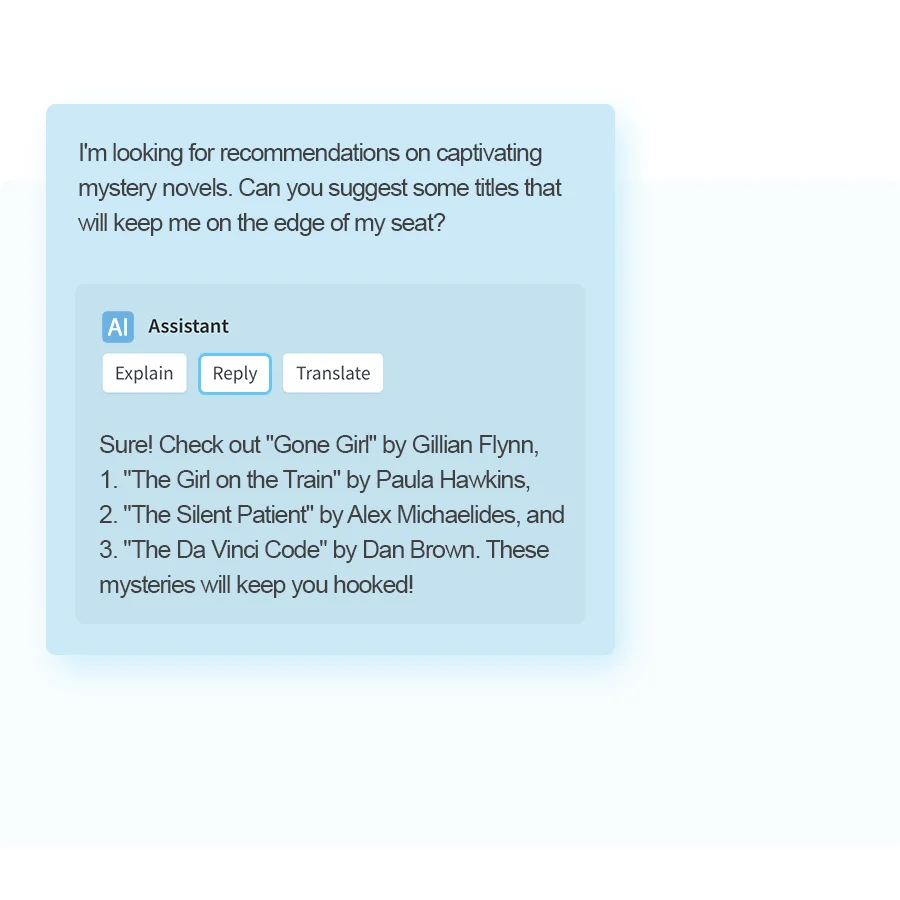
Reply
Generate multiple conversation-aware responses in seconds — pick the best one or keep tweaking.
Re-write
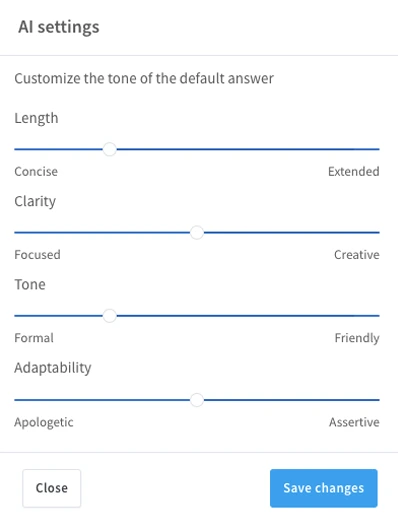
Relaborate your messages to match a friendlier, more formal or more concise tone — same content, right voice.
Train
Instruct the AI to tailor behaviour, vocabulary and product knowledge to fit your business needs.
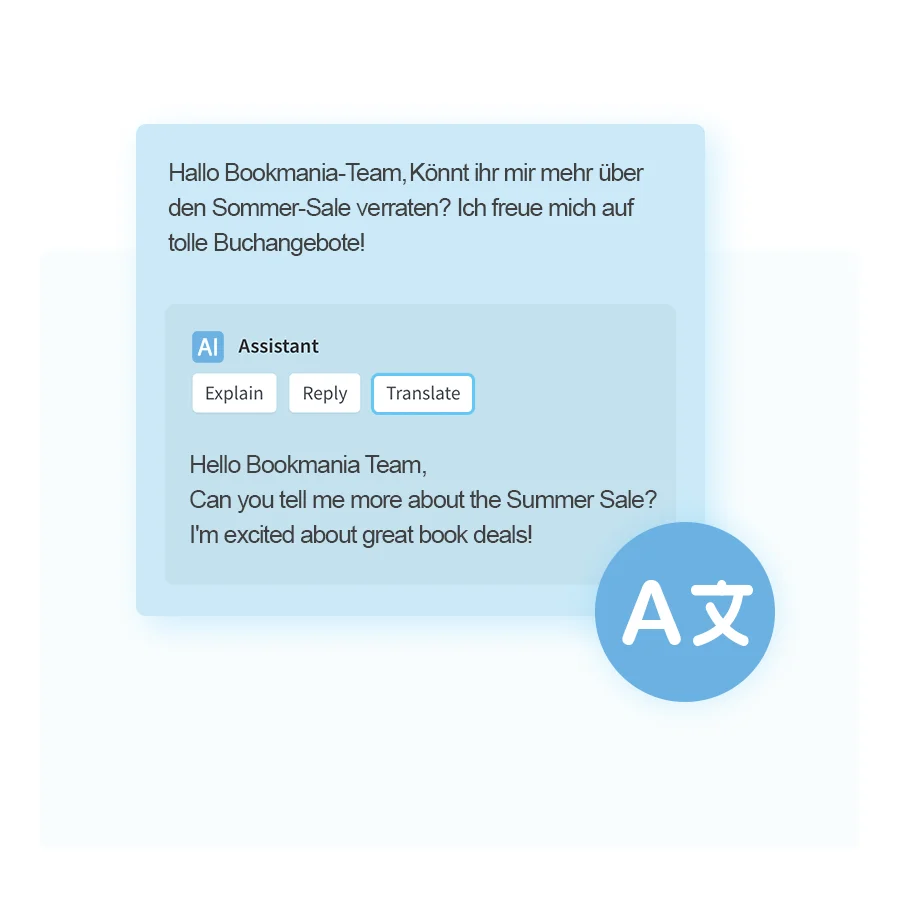
Understand every customer message — even in a foreign language.
Click Explain and the AI summarises the conversation, flags intent, and translates whatever the customer said. Especially handy for inbox triage when the message is long or in a language no one on the team speaks.
- Translate any inbound message to your team's language.
- Summarise long conversations into one paragraph.
- Flag the customer's intent so the right agent picks it up.
Draft the right reply in seconds.
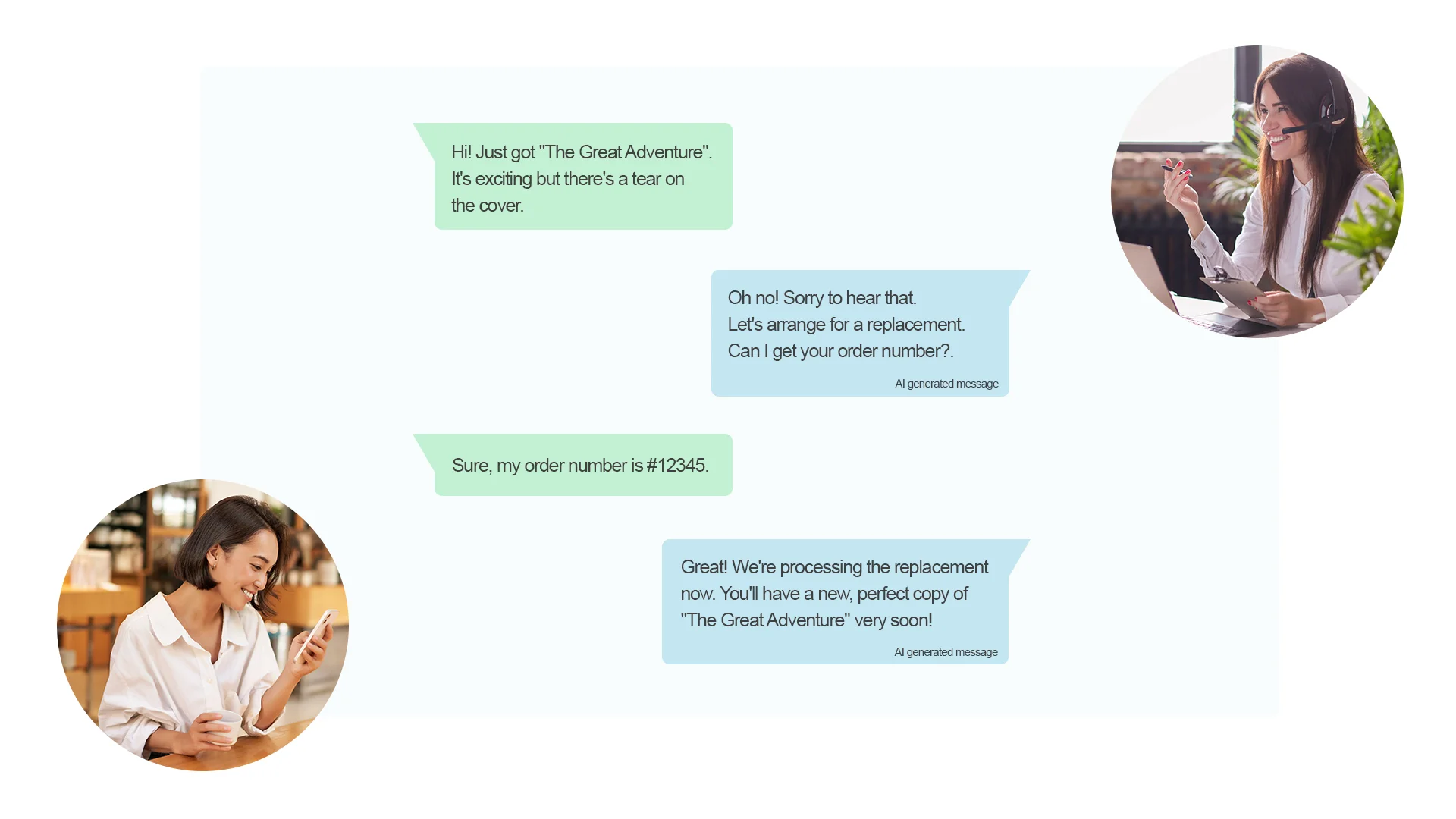
Stuck on how to phrase it? Ask the AI for 3 different reply suggestions. Pick one, tweak if you want, send. Every reply learns from your past conversations so it sounds like you, not like a robot.
- Three context-aware drafts, every time.
- Trained on your previous replies so the voice matches.
- One-click to send, edit in place, or regenerate.
Teach the AI how your business talks.
Upload your brand guidelines, product catalogues, support scripts. The AI uses them as ground truth — so every generated reply mentions the right product names, follows your tone of voice, and stays inside your business rules.
- Per-workspace training data — your AI, your knowledge.
- Override per agent or per team if needed.
- Updates apply instantly across every inbox.
Frequently Asked Questions
The most common questions about the AI Assistant.
What is the AI assistant feature and how does it work?
In what plans is the AI assistant included?
Does the AI assistant use ChatGPT?
Can I train the AI to fit my requirements?
How are data and privacy protected when using the AI assistant?
Do I need to use my own OpenAI account?
Ready to put AI inside WhatsApp?
Five minutes to set up, seven days free, no credit card. Your team will thank you.
Want AI even further?
Connect Claude, ChatGPT or any MCP-compatible agent for full agentic automation of your WhatsApp inbox.