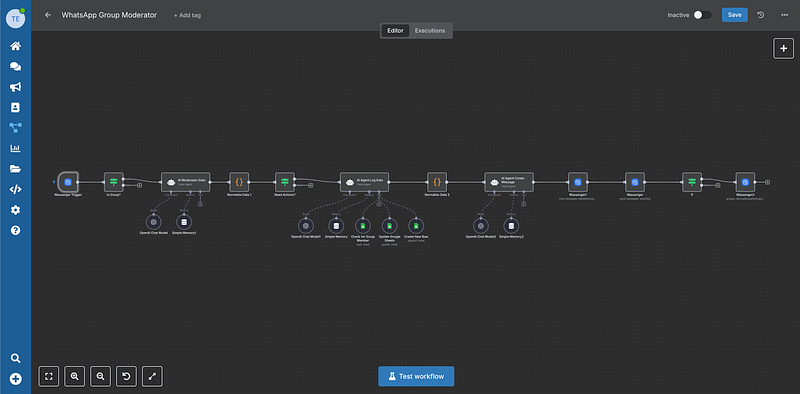
Last week I typed one sentence into ChatGPT: "Reply to the customer asking about the invoice and tell them it's on the way."
A few seconds later, the message left my WhatsApp. The customer got it. In my normal chat thread, with my number. I didn't open WhatsApp once.
I sat there for a second, genuinely surprised. I'd just run my business WhatsApp from inside a chat window I already had open all day. No new dashboard. No code. No copy-pasting between tabs.
Here's exactly how it works — and how to set it up in about five minutes.
What this actually is
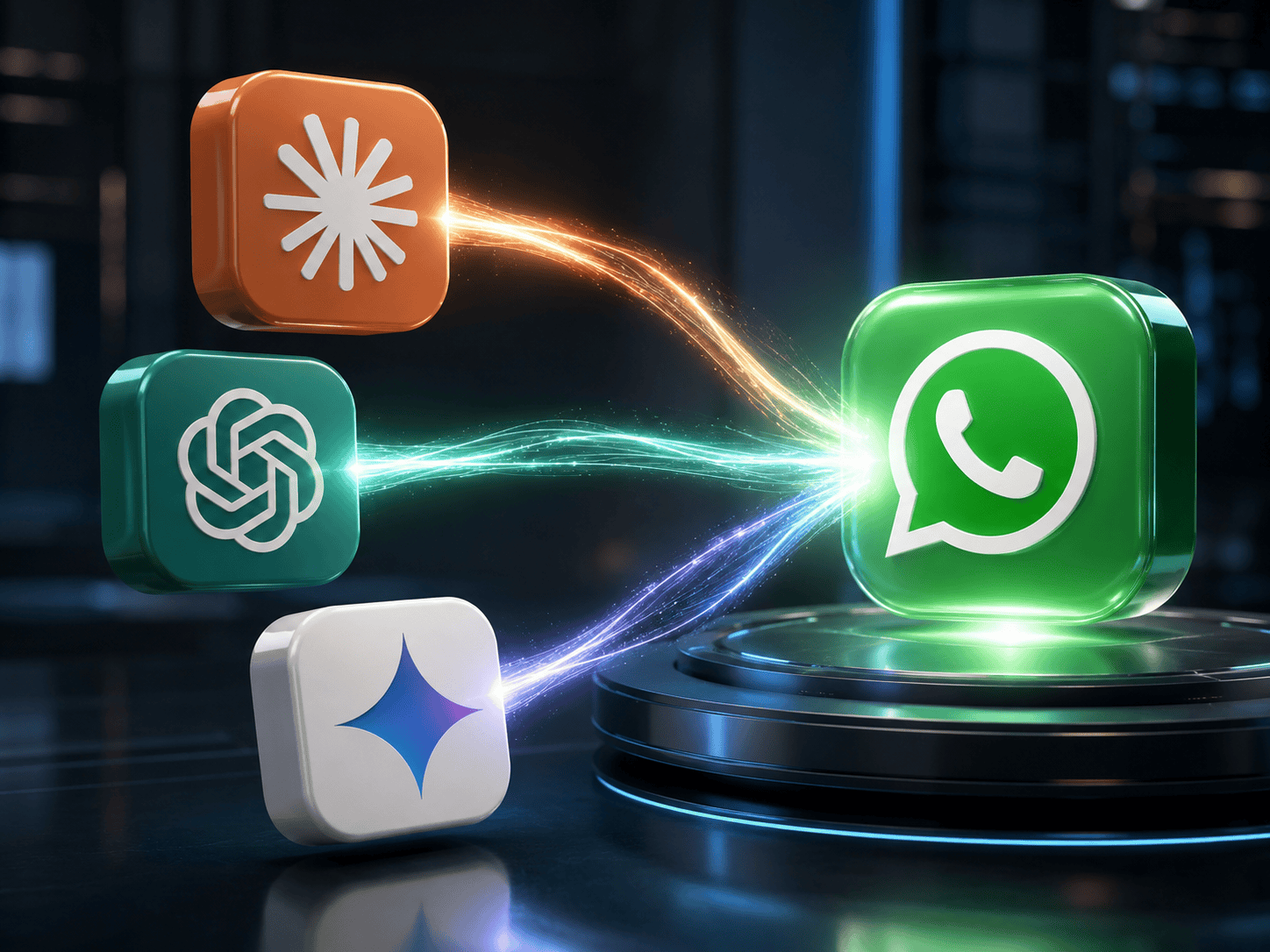
There's a quiet little standard called MCP (Model Context Protocol). Think of it as a universal plug that lets an AI app talk to your other tools.
Wassenger exposes your WhatsApp through MCP. So once you connect it, your AI — ChatGPT, Claude, Cursor, claude.ai, whatever you use — can reach your real WhatsApp account and read, search, summarise, draft and send messages.
The key word is send. You're not just asking the AI questions about your chats. You can ask it to actually reply, and the message goes out from your WhatsApp.
Why it matters
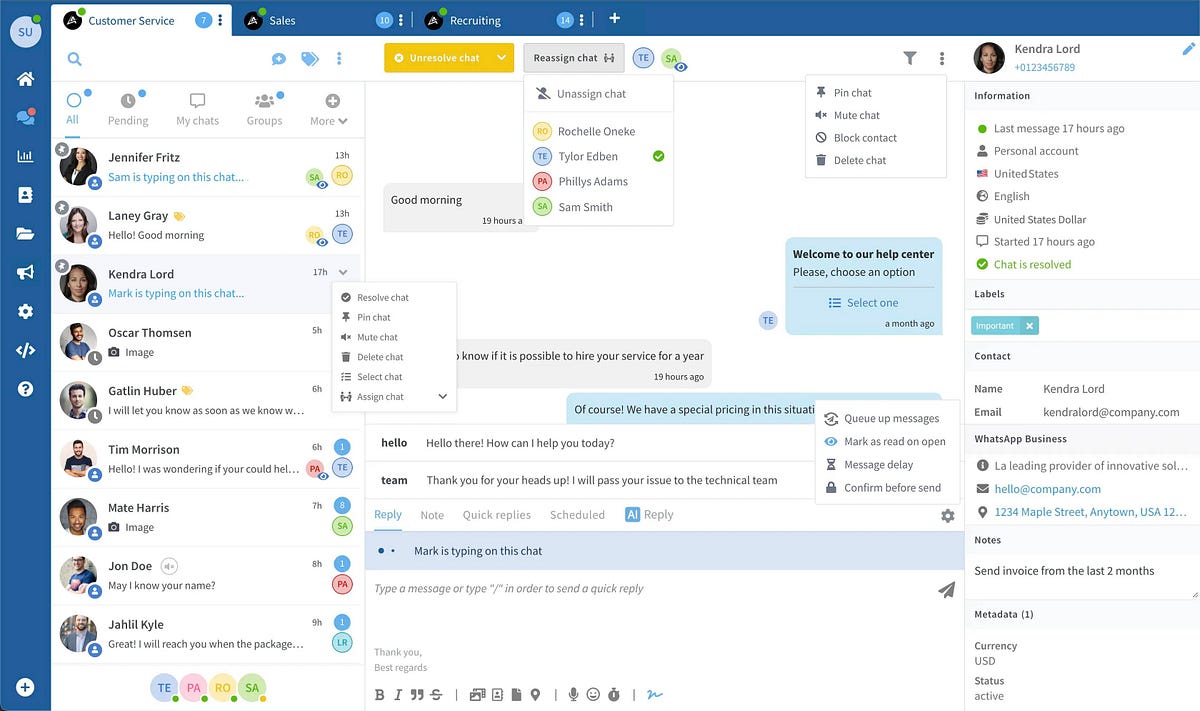
If you run anything over WhatsApp — a shop, a freelance gig, support, sales — you already know the grind. Someone messages, you switch apps, you read, you think, you type, you switch back. All day.
Now the tool you're already living in can do the boring parts:
- "Summarise everything unread and tell me who's actually waiting on me."
- "Draft a polite reply to the three people asking about delivery times."
- "Find the chat where someone mentioned a refund last month."
You stop being a copy-paste machine between your AI and your phone. The triage, the drafting, the searching — it happens where you already work.
What you need
Three things, and you probably already have two of them:
- A Wassenger account with your WhatsApp number connected.
- Your API key from your Wassenger dashboard.
- Any MCP-capable AI tool — ChatGPT, Claude Desktop, claude.ai, Cursor, or your own setup over the API.
That's it. No servers, no plugins to build.
The setup, step by step
First, two things to grab from Wassenger: log in at wassenger.com, make sure your WhatsApp number is connected, and copy your API key from the dashboard. Keep it safe — it's the password to your WhatsApp.
One honest heads-up before we start: adding your own tools to ChatGPT runs through its Developer mode, a paid-plan feature that's still in beta. ChatGPT shows a couple of cautious-looking warnings on the way — that's standard for any custom connector, not something specific to Wassenger. All you're plugging in is your own WhatsApp. Here's the whole thing.
1. Open Settings. Click your name in the bottom-left corner and choose Settings.
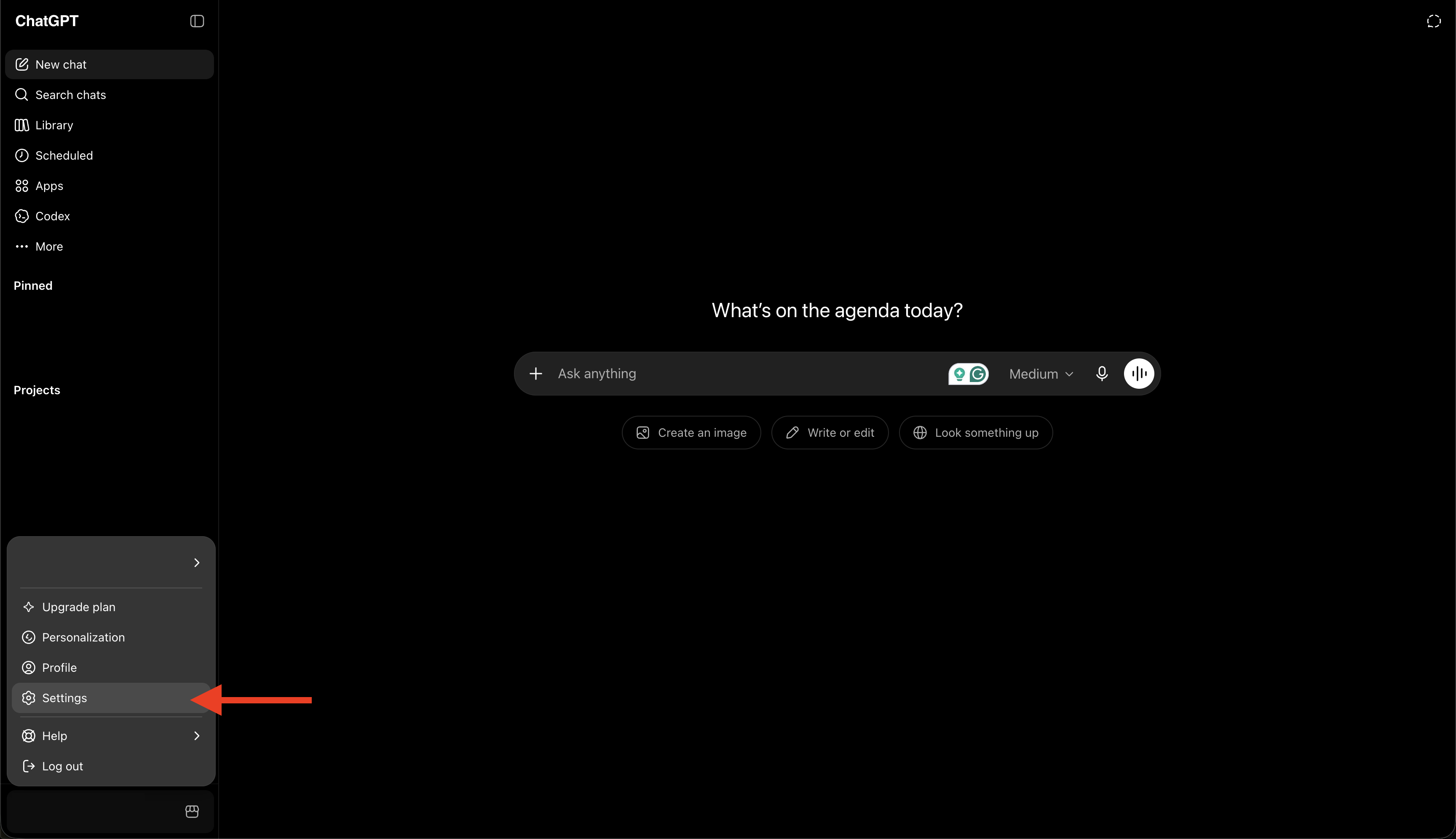
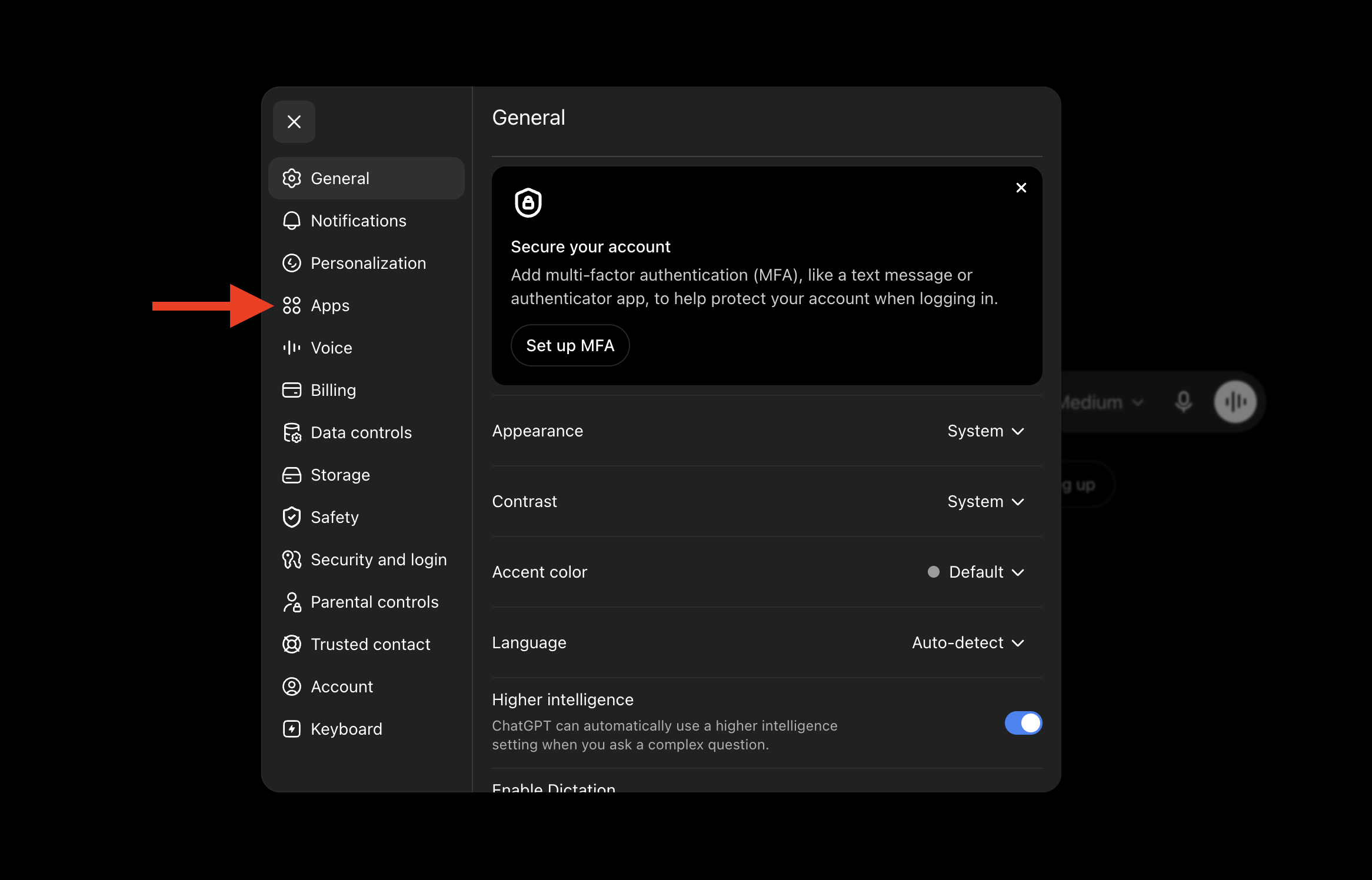
2. Go to Apps. In the left menu, open Apps.
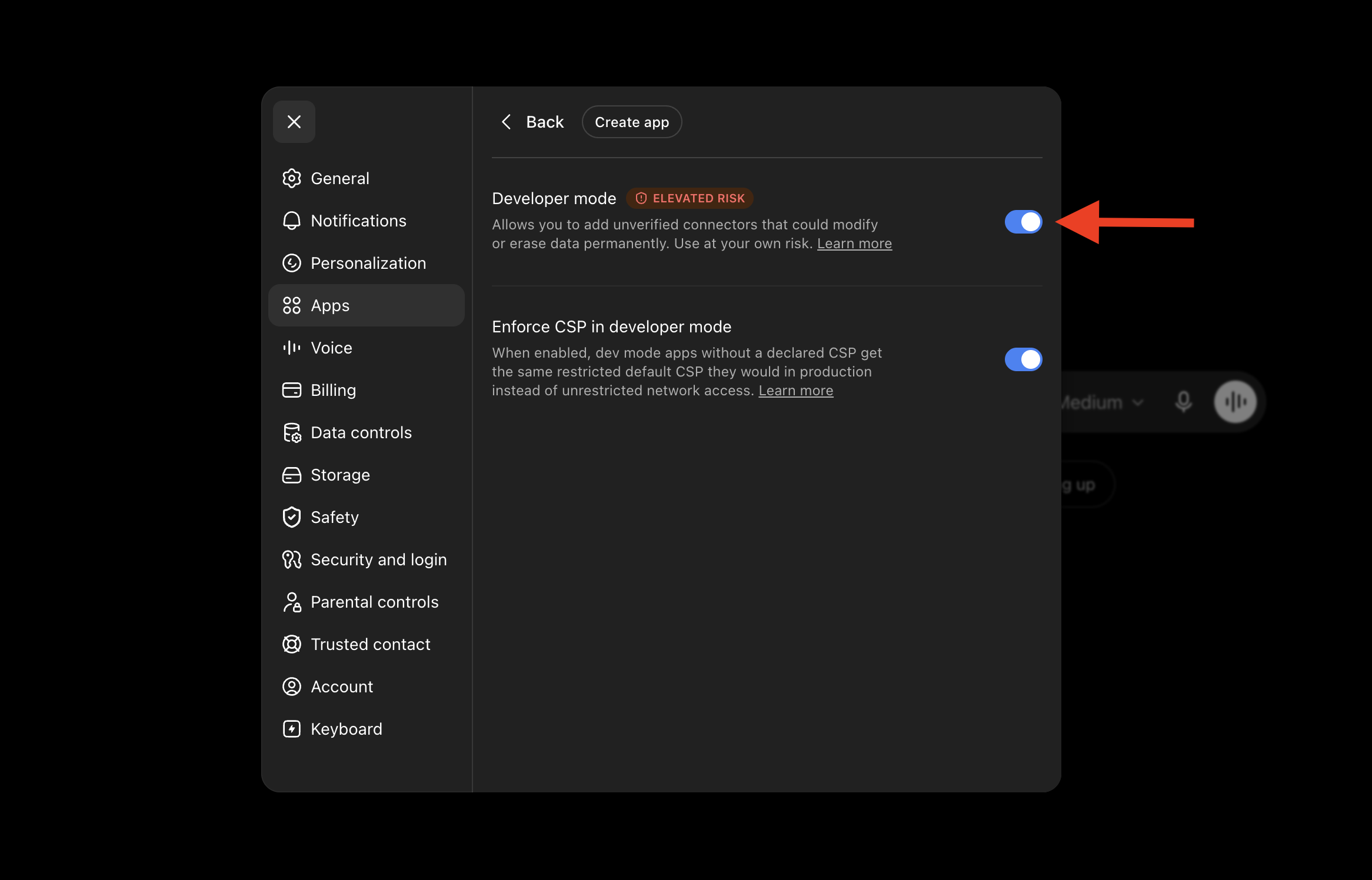
3. Open Advanced settings. Scroll down and open Advanced settings.
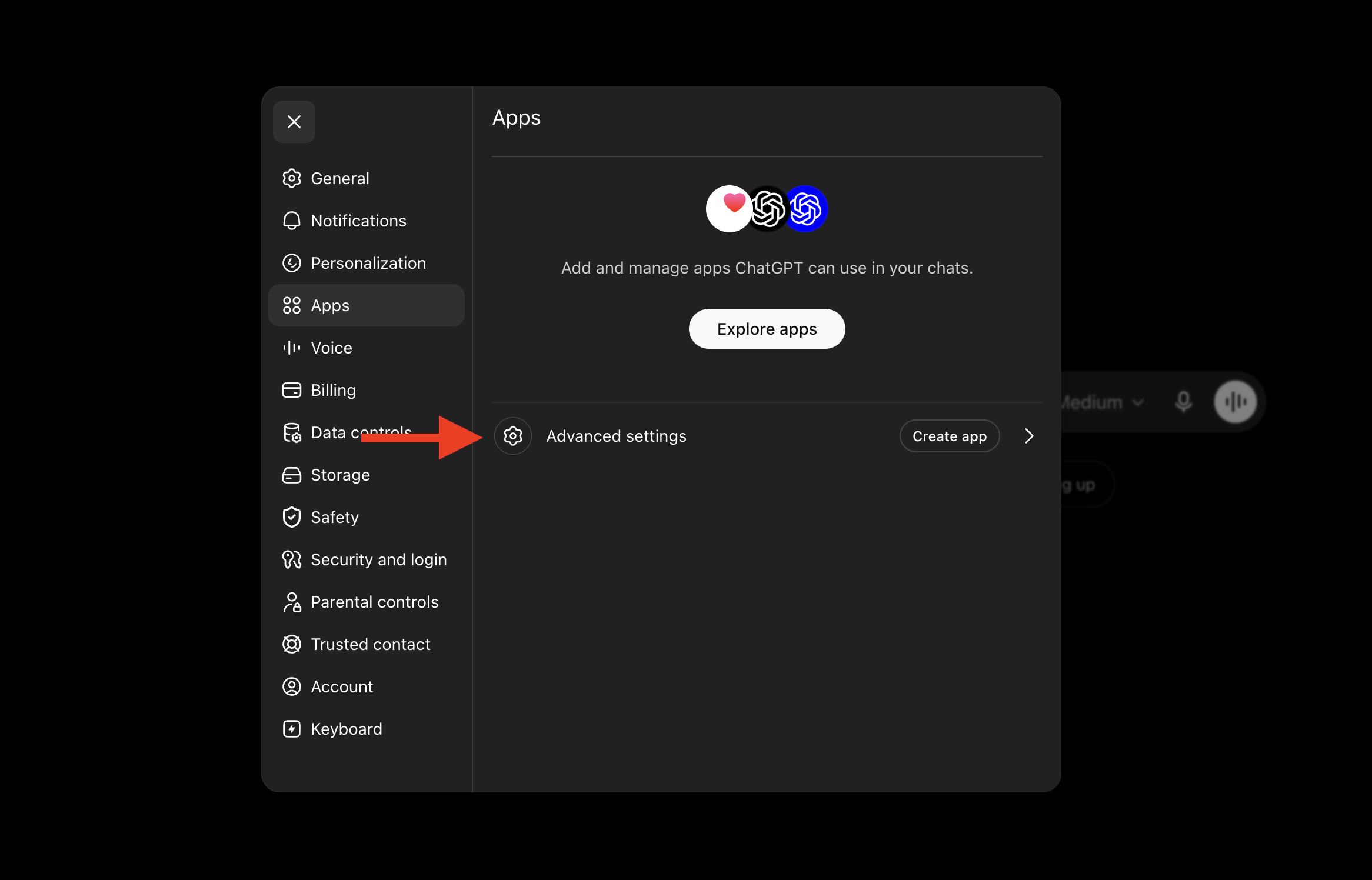
4. Turn on Developer mode. Flip the switch on. This is what lets ChatGPT reach an outside tool like your WhatsApp.
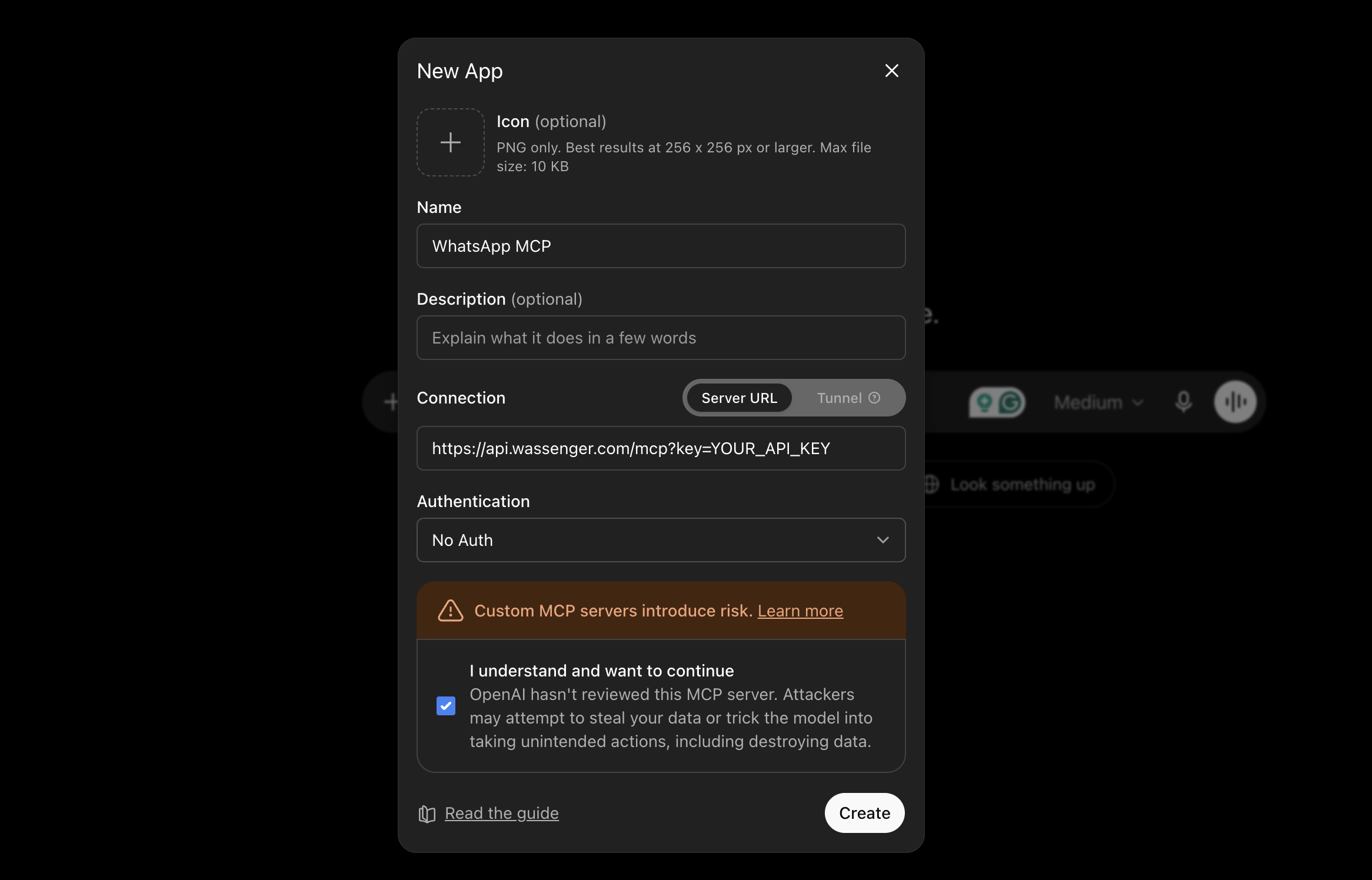
5. Add Wassenger. Click Create app, give it a name (e.g. "WhatsApp MCP"), set the connection to Server URL, and paste your link — your API key goes right in the URL:
https://api.wassenger.com/mcp?key=YOUR_API_KEY
Leave Authentication on No Auth (the key in the URL is your sign-in), tick the box to confirm, and click Create.
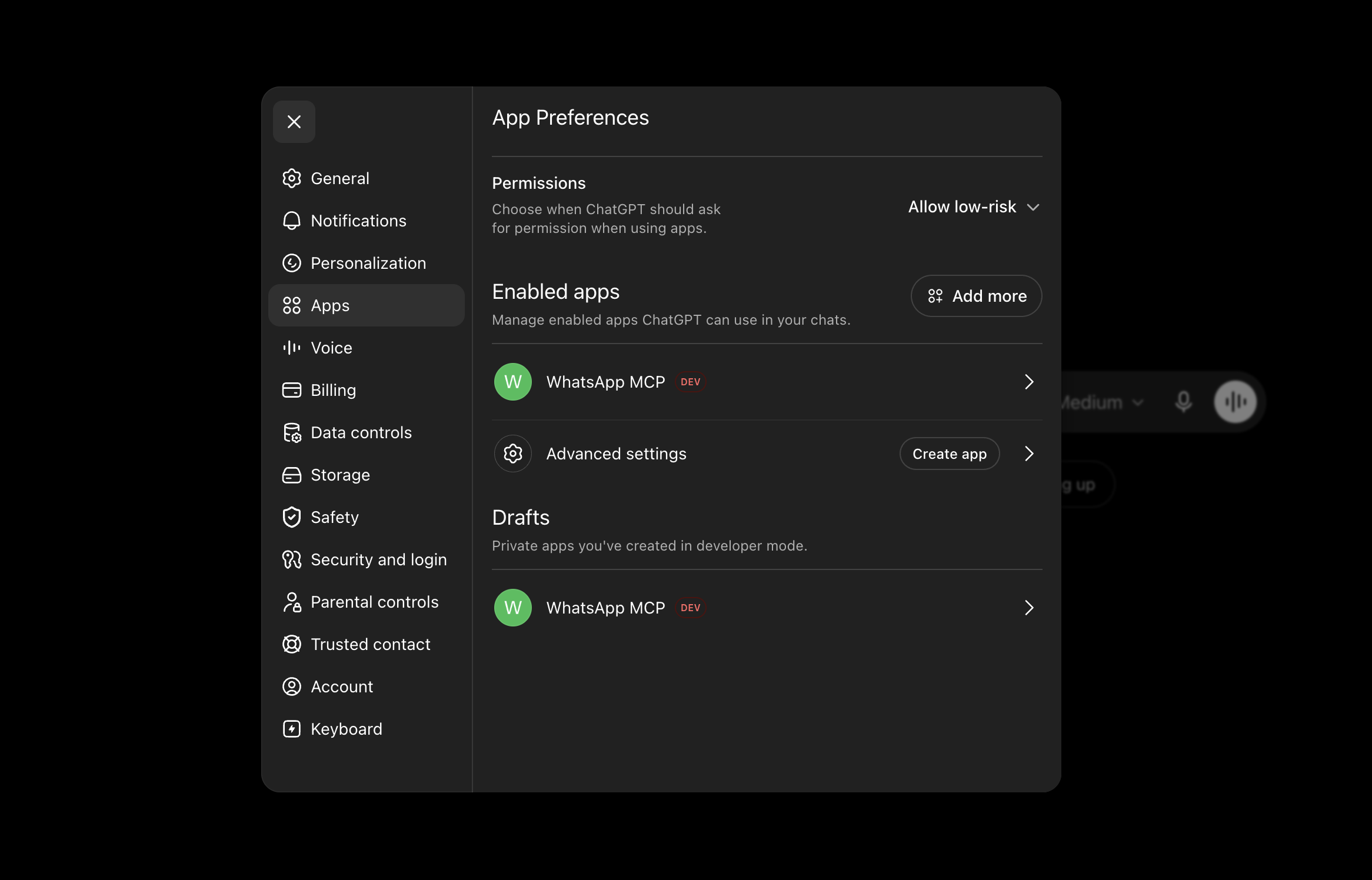
6. You're live. WhatsApp MCP now shows up under your apps. Open a new chat and try: "show me my unread WhatsApp chats." If it answers, you're connected.
What I asked it to do
These are real prompts I've actually typed. No magic phrasing — just plain English:
- "Show me my unread WhatsApp chats and group them by what they need."
- "Reply to Maria and confirm her appointment for Thursday at 10."
- "Summarise this long conversation with the supplier in five bullet points."
- "Draft three follow-up messages for the leads who went quiet this week — let me read them before sending."
That last one is my favourite. It drafts, I glance, I say "send the first two." Fast, but still mine.
Honest limits
Let me be straight, because this is where most posts oversell.
This is not a bot that runs your WhatsApp by itself 24/7 while you sleep. It doesn't decide on its own to message people. It acts when you ask it to. You stay in control — you can have it draft and wait for your okay, or send on command. The AI is a very fast assistant sitting next to you, not an autopilot.
If what you want is hands-off automatic replies around the clock, that's a separate feature you can set up too. But the thing I'm describing here is different, and honestly more useful day to day: your WhatsApp, on command, from the AI you already use.
Try it
If you live in WhatsApp for work, this genuinely changes your day. You can start free — create a Wassenger account at wassenger.com, connect your number, and run your first prompt in minutes.
Want the full walkthrough with every option? Read the complete setup guide on wassenger.com.
I still open WhatsApp, of course. I just do a lot less in it now.