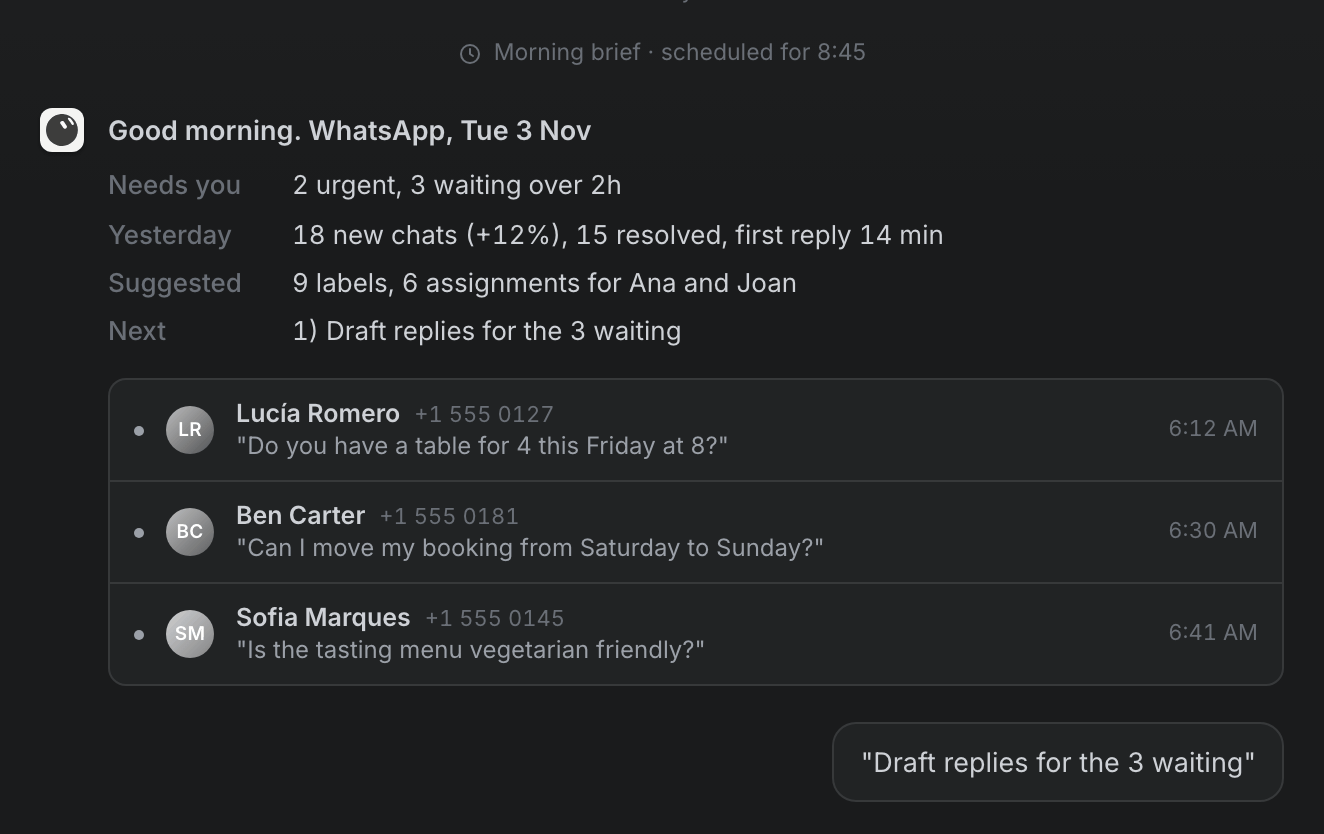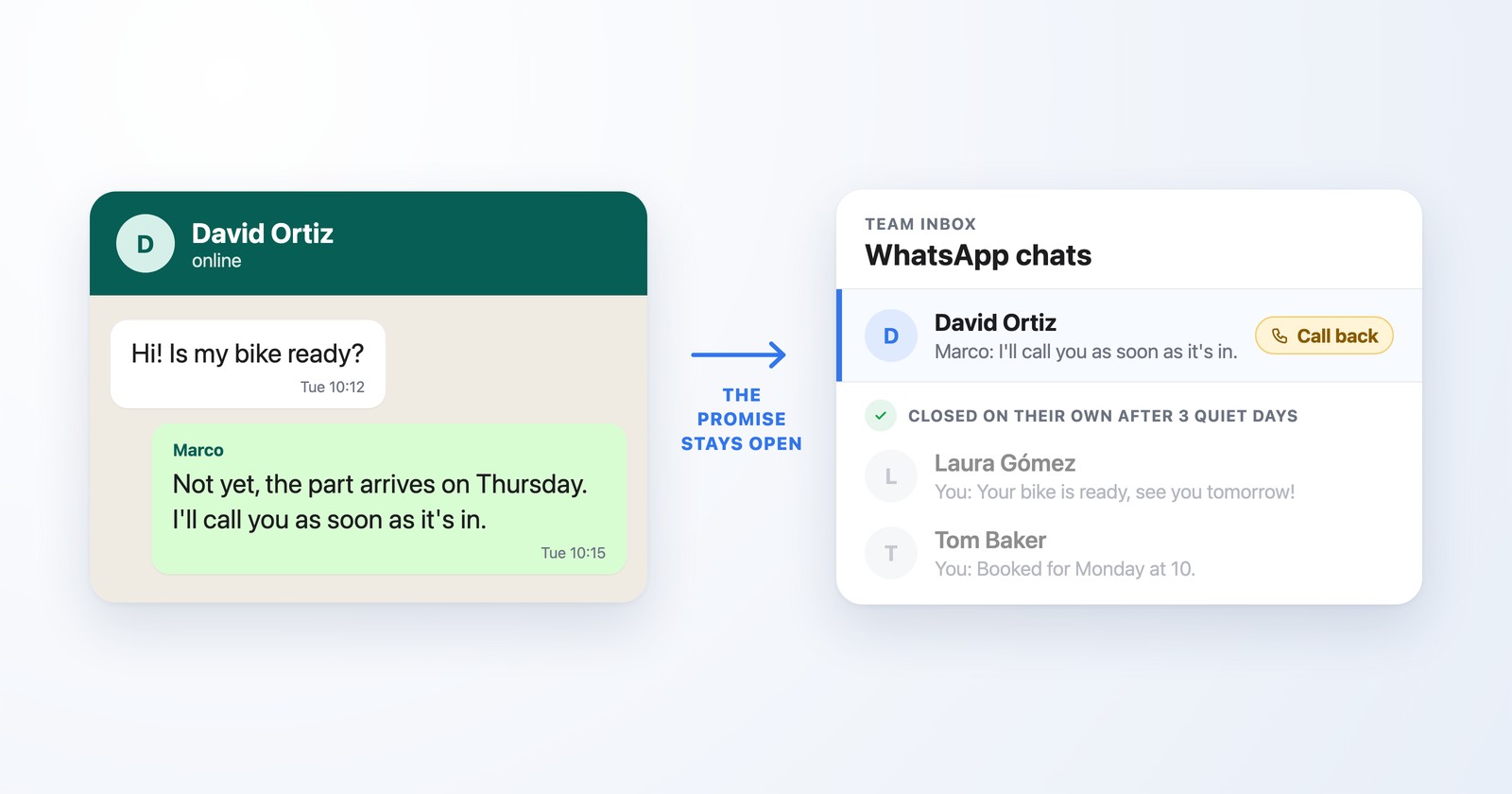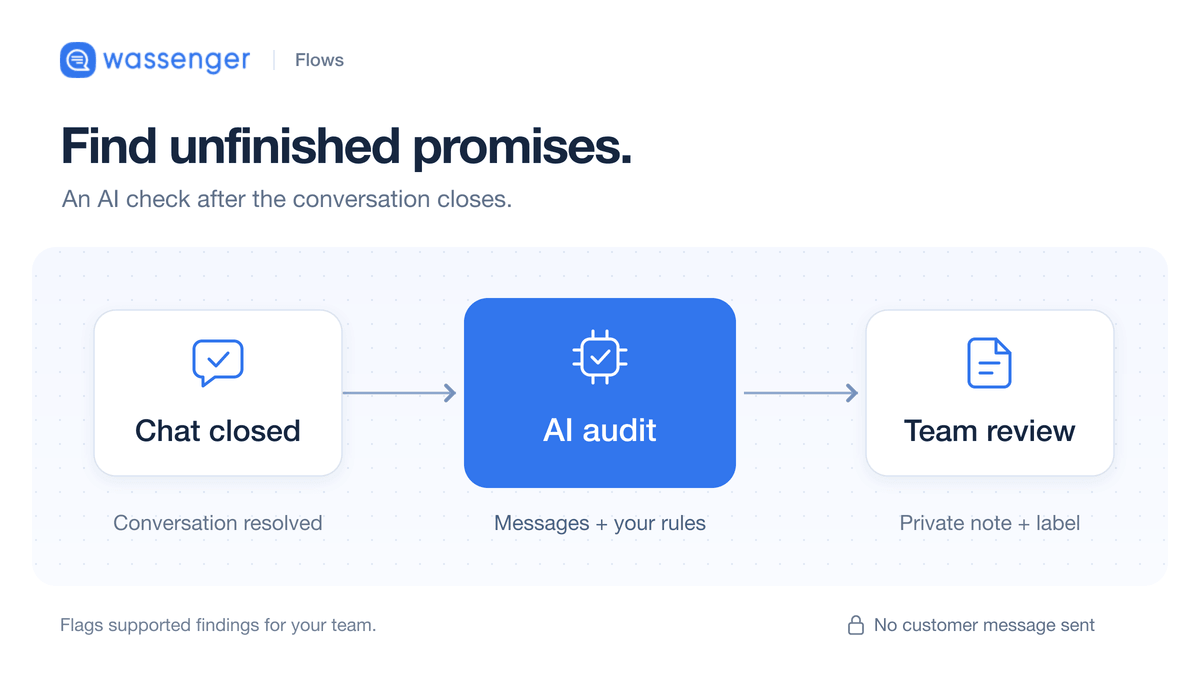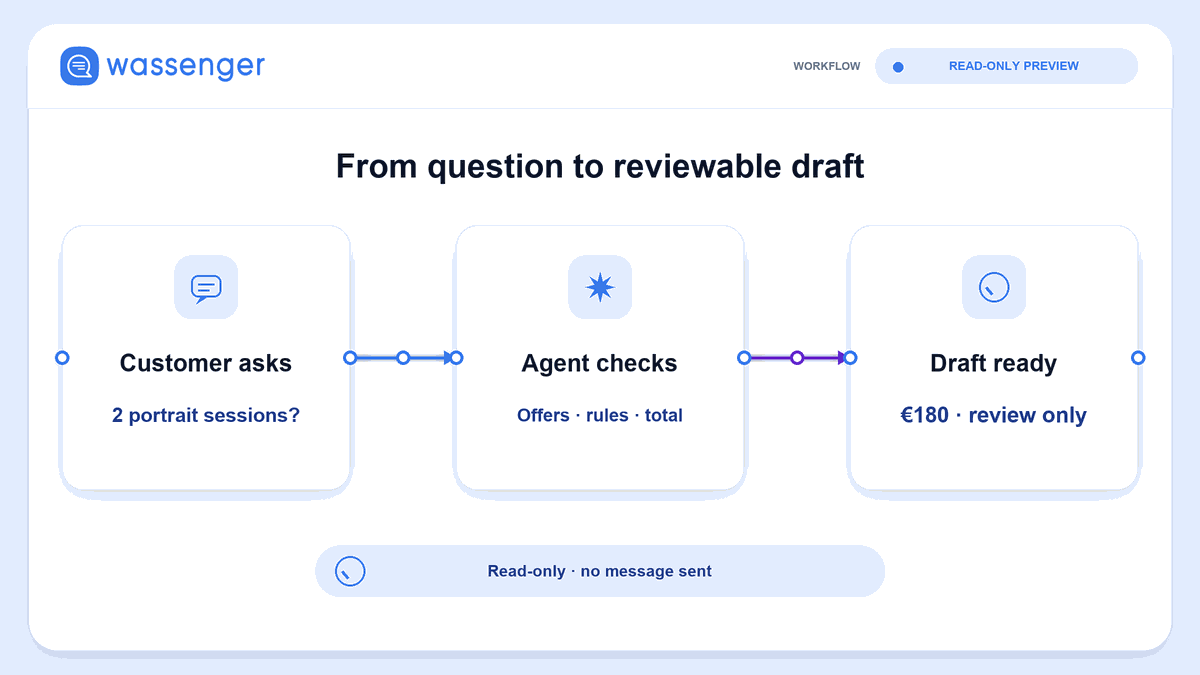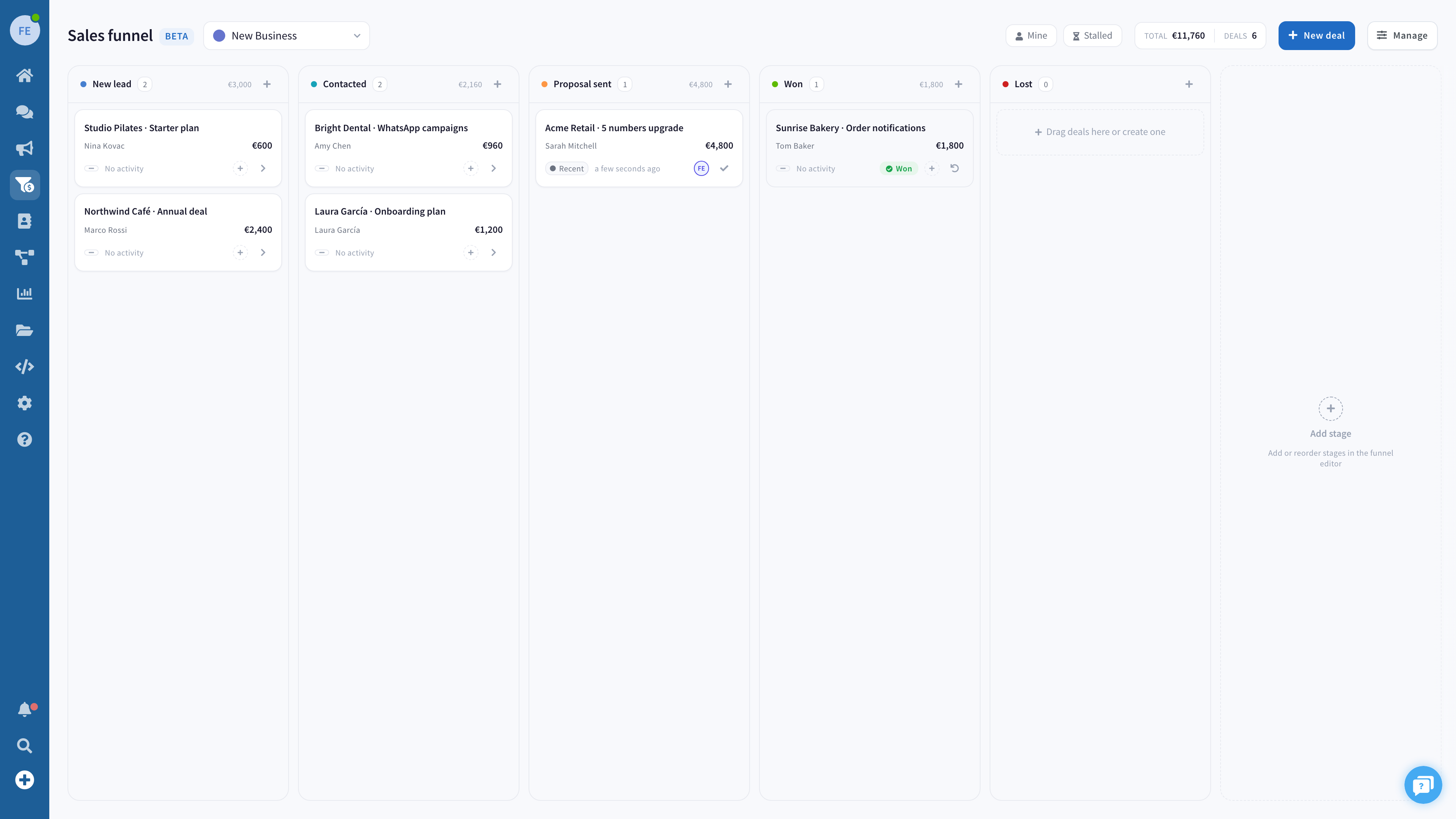
A customer asks for a quote on WhatsApp. Your integration receives the message, but the salesperson who picked it up leaves for the afternoon. Can a colleague see what was promised, take responsibility and answer correctly?
That is a useful starting point for choosing a WhatsApp Business API provider. A working API connection matters. So does the work that happens after the message arrives.
This guide is for a technical lead and a sales manager evaluating a platform together. Use the worksheet below to compare evidence, uncover missing requirements and decide what belongs in your first evaluation.
Decide what you need to own
You can build directly on Meta's Cloud API. Meta provides a hosted API and documents the required business portfolio, WhatsApp Business Account and business phone number. An intermediary is not an unavoidable prerequisite for using Cloud API. See Meta's Cloud API documentation.
For a team building directly, write down who will provide the agent interface, connect customer records, maintain the integration and investigate failures. Some components may already exist in your business. Others may need building or buying.
A platform with an inbox can provide more of that working environment. You still need to establish what is included, how it connects to your systems and who supports each part. Buying a platform does not remove every integration responsibility.
Start with a simple ownership map:
| Part of the workflow | Who supplies it? | Who maintains it? |
|---|---|---|
| WhatsApp connection and onboarding | Record the proposed arrangement | Name the contact for connection problems |
| Agent inbox and conversation ownership | Existing system, new platform or custom interface | Name the workspace administrator |
| CRM updates | Existing connector or work still required | Name the integration owner |
| Error detection and recovery | Documented platform behavior plus your monitoring | Name the person who investigates |
Choose direct integration when its responsibilities fit your existing systems and capacity. Consider a platform when its supplied workflows cover work you would otherwise have to assemble. Team size alone does not settle the choice.
Bring one realistic case to every evaluation
Use a fictional scenario so you can discuss the workflow without exposing customer conversations.
Imagine a business selling office equipment. A customer requests twelve desks and asks whether installation is included. One salesperson confirms the quantity, then becomes unavailable before checking installation. A replacement needs to continue the conversation.
Write the facts on a single card:
Customer request: Twelve desks, with a question about installation.
Confirmed: Quantity and delivery address.
Unconfirmed: Installation availability and price.
Current owner: The first salesperson.
Required next action: A colleague checks installation before making a commitment.
Ask each provider to walk through this same case. A polished demonstration of a different workflow may leave your actual question unanswered.
The sales manager checks whether the replacement can understand the situation. The technical lead checks how the message and ownership information reach the systems that need them. Both should be able to explain where responsibility sits when something goes wrong.
Copy this provider evaluation worksheet
Make one copy per candidate. Replace the example acceptance criteria with your requirements before evaluating anyone. Keep observations separate from promises and unanswered questions.
| Requirement | Evidence to request | Example acceptance criterion | Owner | Finding |
|---|---|---|---|---|
| Receive an enquiry | Event documentation and a demonstration | We can identify the incoming message and explain how failures become visible | Technical lead | Not checked |
| Continue after a handoff | Conversation shown under the replacement agent's role | The replacement sees the relevant context and knows who owns the next action | Sales manager | Not checked |
| Restrict access | Current permissions documentation and role demonstration | A salesperson sees the conversations their role requires | Administrator | Not checked |
| Update the CRM | Documented integration behavior for the fields we use | We know which system owns each field and how failed updates are handled | Technical lead | Not checked |
| Understand costs | Dated quote with inclusions and usage assumptions | Every applicable charge has an amount or an explicit unresolved assumption | Budget owner | Not checked |
| Change or leave the setup | Export, cancellation and migration terms | We know what we can retain, how to retrieve it and which constraints apply | Technical lead | Not checked |
Use four finding labels: observed, documented, not checked and does not meet our requirement. A documented capability may still need verification in the configuration you intend to buy.
For example, “history visible in the administrator demo; replacement role not checked” is a useful finding. “Handoff works” is too broad if nobody has looked at that role.
Do not average away a critical failure with a high feature score. If the required agent cannot access the conversation, extra chatbot templates do not resolve that requirement. Decide which rows are essential and which can wait until a later phase.
Follow the enquiry beyond the first successful request
During a technical review, ask what each result actually proves. An accepted request, a delivered message and a completed sales task are different observations.
For the fictional desk enquiry, work through these questions:
- Arrival: Where can the team see the incoming question? Which identifier links the event to the conversation?
- Ownership: Where is the responsible agent recorded? What happens when responsibility changes?
- Context: Can the replacement distinguish confirmed details from the unanswered installation question?
- Recovery: If the CRM update fails, where does the team notice? Who retries or corrects it?
- Closure: What tells the team that installation was checked and a response is now possible?
Ask specifically about repeated events, delayed updates and unavailable external systems. Record the provider's documented behavior and the work your team must supply. Avoid assuming that two systems stay synchronized merely because a connector exists.
You can use the same questions in a product demonstration or a later controlled evaluation. They are a buying checklist, not a claim that any particular platform has already passed it.
Compare the bill using the same assumptions
A useful comparison starts with the same number of users, phone numbers and expected activity for every candidate. Add the features your worksheet actually requires, including any advanced access controls.
Request separate lines for the platform subscription, applicable Meta messaging charges and any additional fees in the proposed arrangement. Ask about setup, extra users or numbers, usage allowances, integration services and support where they apply. A bundled quote is not proof of a hidden markup; it is a reason to request a clear breakdown.
As checked on September 12, 2026, Meta describes pricing for delivered messages, with rates varying by recipient market and message category. Its pricing page explains the customer service window and free service messages, as well as other exceptions. Use Meta's current pricing information for those rules and rates, rather than treating a provider's subscription as the full messaging cost.
For your comparison sheet, record the currency, verification date, expected message mix and assumptions behind any exemptions. Do not apply one marketing rate to all activity or assume every outgoing message is chargeable. If the mix is unknown, show that uncertainty explicitly instead of producing a precise-looking total.
Finally, include the work your own team would maintain. You do not need an invented hourly estimate: list the tasks, responsible people and whether capacity exists. A subscription comparison is incomplete when one option includes an inbox and another requires your team to supply it.
Where Wassenger fits in this evaluation
Wassenger is a candidate to evaluate when you want a shared WhatsApp inbox alongside API access. Its feature overview describes conversation assignment, internal notes, labels and quick replies. These are relevant to the sales manager's handoff questions.
For the technical lead, Wassenger's developer overview describes message access, webhooks and programmatic chat management. Use the linked reference to check the specific operations your integration needs.
Keep those checks tied to the proposed WhatsApp Business Platform connection and selected plan. Confirm permissions and feature availability for that configuration; do not infer that every feature shown across a product website is available in every arrangement.
Apply the worksheet to Wassenger just as you would to another candidate. In the desk example, an internal note might record that installation remains unconfirmed. The evaluation question is whether the replacement agent can see the needed context, take responsibility and continue under the permissions you intend to use. This is a hypothetical use case, not a reported customer result or completed product test.
Leave the evaluation with a decision you can explain
Before choosing, ask the sales manager and technical lead to complete this sentence together:
We can receive the enquiry, identify its owner and continue the conversation because we have checked [evidence]. We still need to resolve [gap], owned by [person], before relying on this workflow.
That statement gives you a practical next step. A critical gap calls for another check or a different setup. A completed worksheet gives you specific requirements to carry into onboarding.
To evaluate Wassenger against your own scenario, open the Wassenger developer overview and identify the message and chat operations your team needs first. Bring the worksheet to the product evaluation so API access and daily sales work are considered together.