Some conversations don't want to be typed.
A customer three messages deep into a problem. A deal that's one "can we talk for two minutes?" away from closing. A booking that needs sorting now. You can feel the moment where text stops helping and a voice would fix it in thirty seconds. Until now, that meant reading out a phone number, hoping they'd dial it, and losing half of them in the gap.
So we closed the gap. WhatsApp Business Calling is now in Wassenger — real voice calls, on the same WhatsApp number you already message from, answered by your team straight from the shared inbox. No phone system. No second app. No new number to explain.
Incoming calls are free
Start with the part that matters to whoever pays the bill: when a customer calls your business, you are not charged. Nothing. They call the number they already have for you, it rings in your inbox, someone picks up. You only ever pay for calls your business places outbound — and even then, only when the customer actually answers. A call that rings out costs you nothing.
One number, one inbox, whoever's free picks up
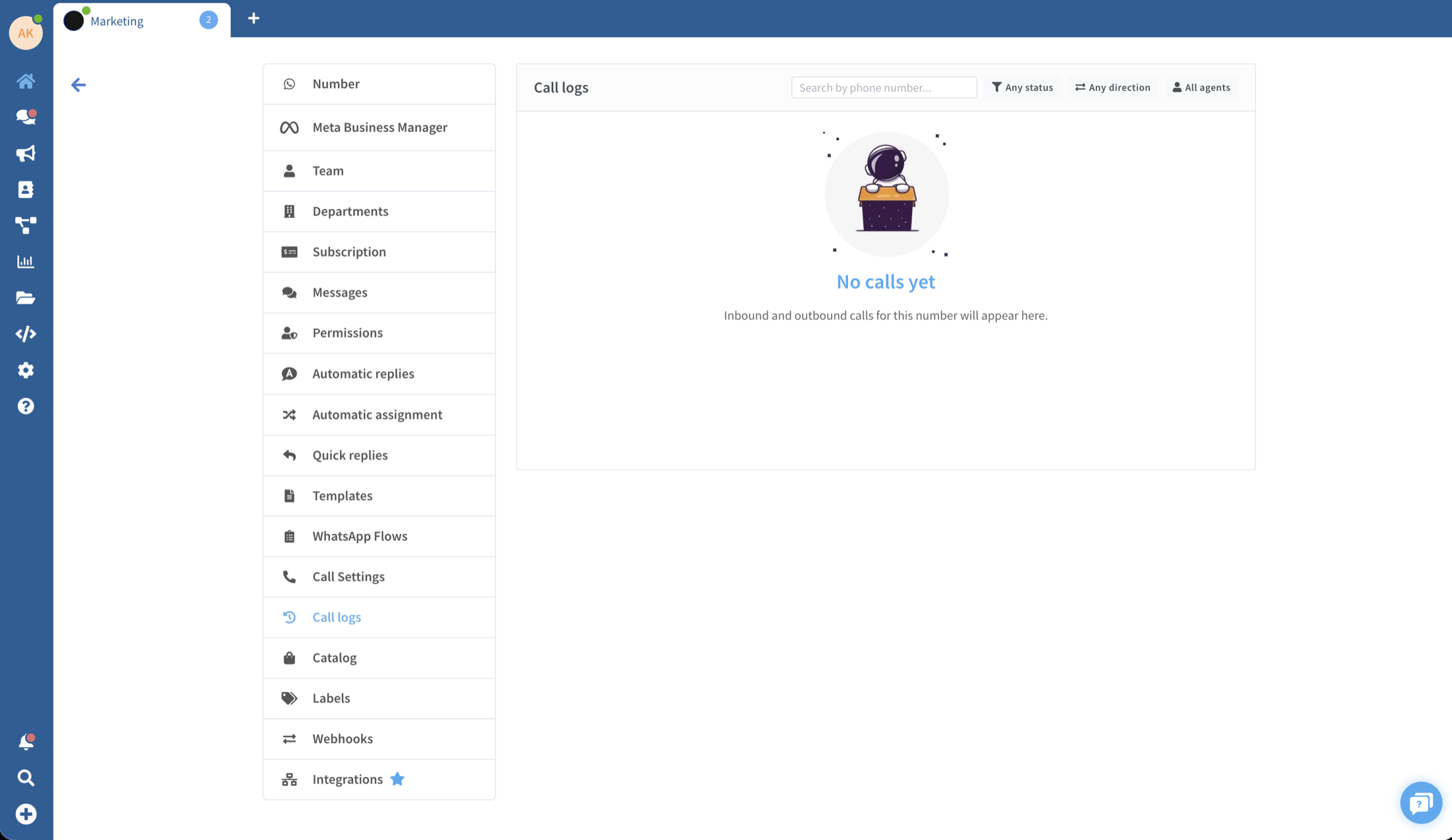
The call doesn't go to a person — it goes to your team. It rings every available agent, and the first to answer takes it, with the whole conversation, the contact's details and your internal notes already on screen. No "let me pull up your account." When the call ends it's logged in the same thread as the messages, so the next person to touch that customer sees exactly what happened.
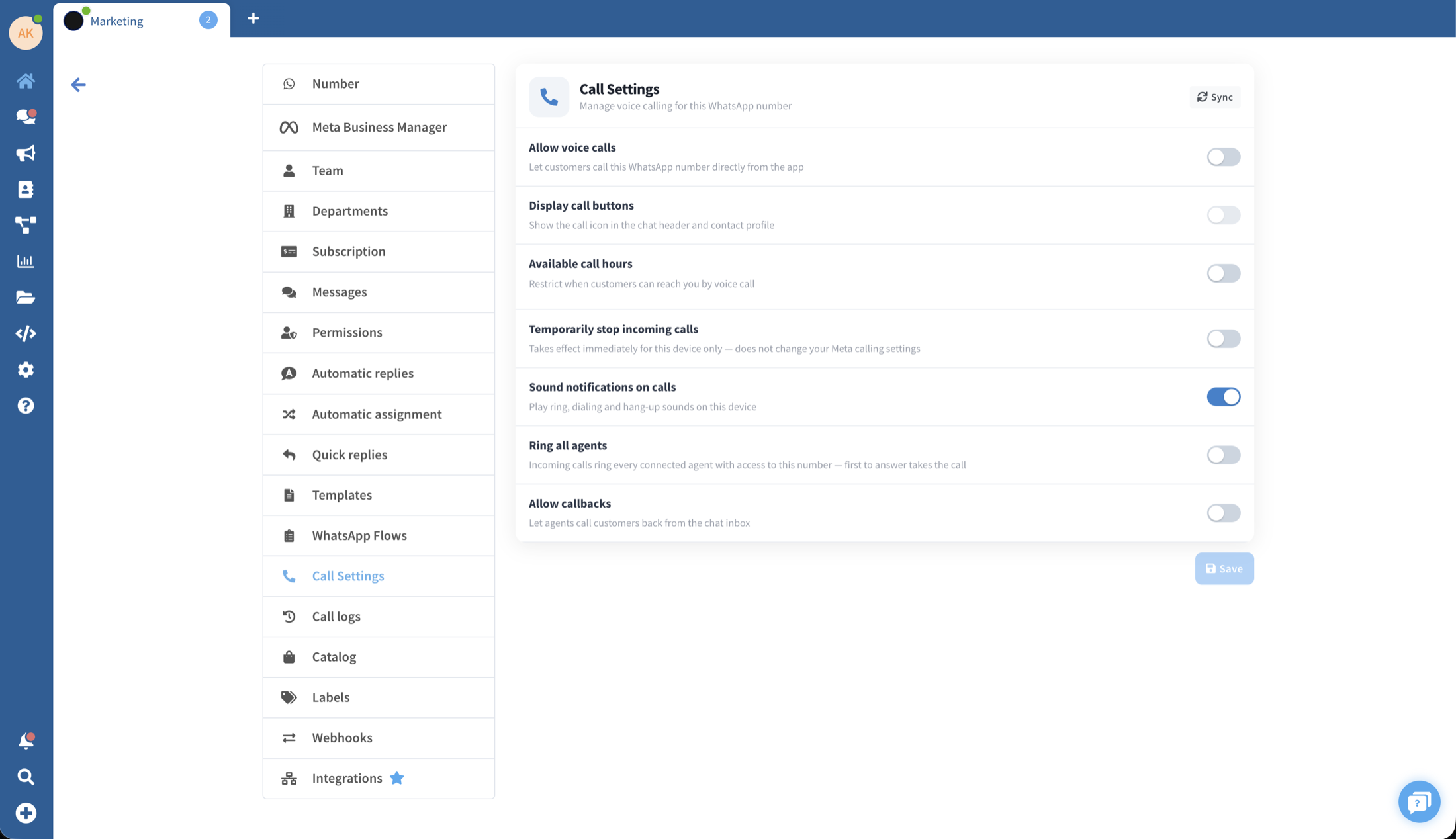
You set the rules: show a call button in every chat, choose the hours you're reachable, ring the whole team or just certain agents, let customers request a callback, or pause incoming calls when everyone's heads-down.
Calling customers back, without becoming a nuisance
Outbound calling works the way WhatsApp intends it to — on the customer's terms. You send a quick permission request; once they approve, you can call right away or any time in the next seven days. It's billed by the second, in six-second increments, at Meta's published rates, with nothing added on top by us. Ringing and unanswered calls are never charged. This is calling that can't quietly curdle into spam, because the customer opted in before the phone ever rang.
What you need to switch it on
Calling runs on the official WhatsApp Business API. If your number is already there, it's a setting away — flip it on in Call Settings and you're live. You'll need a verified Meta Business, a messaging tier of at least 2,000 conversations a day, and a payment method on the account for outbound calls.
Still on a QR-code connection? Migrating to the official API is free, takes a few minutes, and you keep your number and your chat history. One quick move and calling — plus everything else the official API unlocks — is yours.
One honest caveat, because Meta draws the map: incoming calls work almost everywhere, and outbound is rolling out to most countries but isn't live yet when your business number is registered in the US, Canada, Egypt, Vietnam or Nigeria. That list is Meta's, and it keeps shrinking.
The whole point
Your customers picked WhatsApp because it's where they already are. Voice was the one thing it couldn't do for your business. Now it can — free to receive, on the number they trust, answered by whoever's closest to the problem.
See exactly how it works on the WhatsApp Calls page, or just switch it on.
Start free at app.wassenger.com/register.