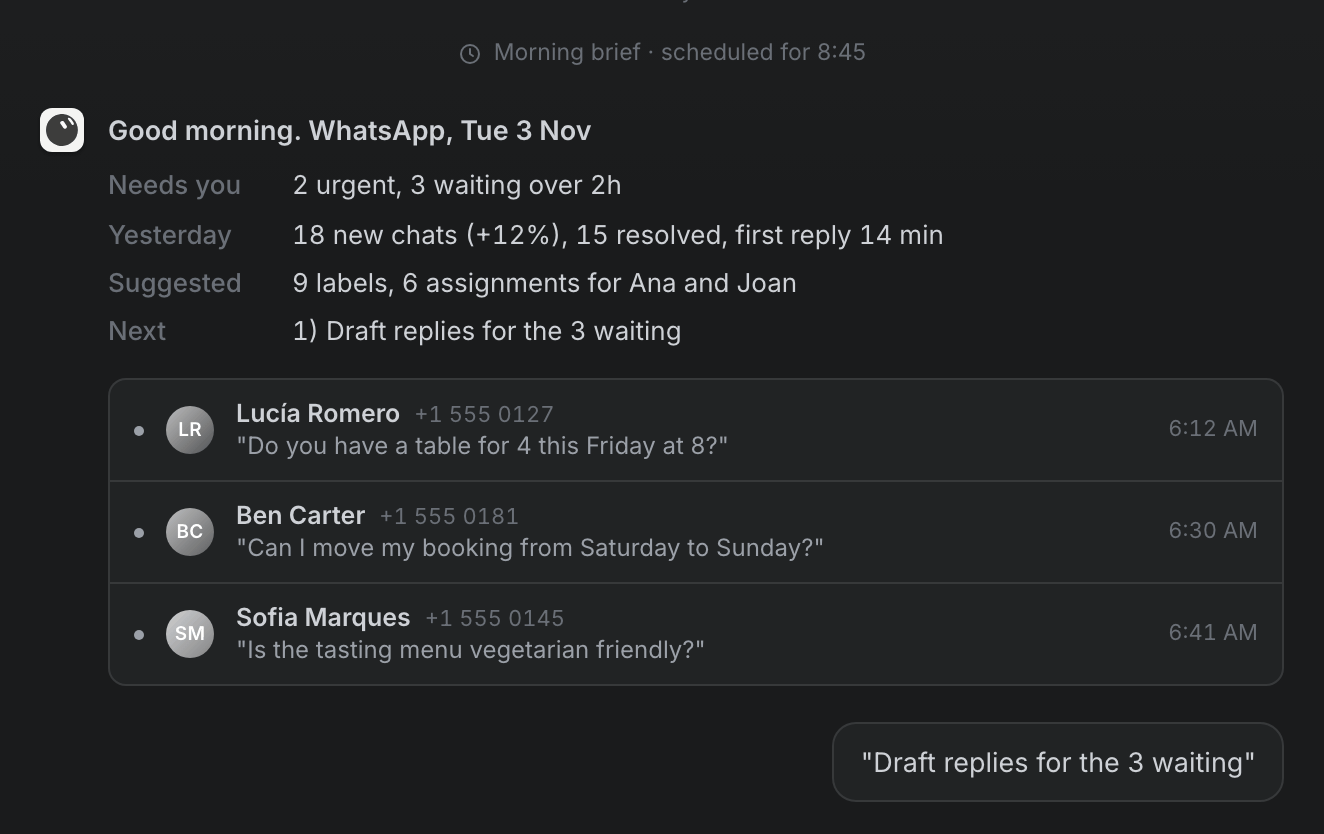
It's 8:45 on a Tuesday. Before you've even opened WhatsApp, a message is waiting for you:
Good morning. 18 new chats yesterday, 15 resolved. 2 are urgent and 3 customers have been waiting over two hours. Want me to draft replies for the 3 who are waiting?
You say yes. You read three short drafts, change one word in the second, and approve them. The customers get their answers, the chats get their labels, and your team knows who picks up what. You haven't scrolled through a single conversation.
That's what the Wassenger bot for Grok Bot does. It works on your WhatsApp inbox on the schedule you choose, and nothing reaches a customer until you say yes.
In plain words: Wassenger is where your business WhatsApp lives: you and your team read and answer your chats there. Grok Bot is a separate assistant app you chat with, like a personal assistant on your computer and phone. The Wassenger bot connects the two, so the assistant can look at your chats and prepare the work for you.
What Grok Bot is
Grok Bot is the assistant app from xAI, the makers of Grok. Inside it you chat with bots, and each bot has a job.
Wassenger has published a ready-made bot whose job is your WhatsApp. You add it from a link, connect it to your Wassenger account, and it starts working on your inbox. You talk to it like you'd talk to an assistant: "who's still waiting?", "remind tomorrow's appointments", "how was this week?".
It works for you and your team. It doesn't chat with your customers: they keep writing to your WhatsApp number as they do today, and your team keeps answering from Wassenger.
What it does for you
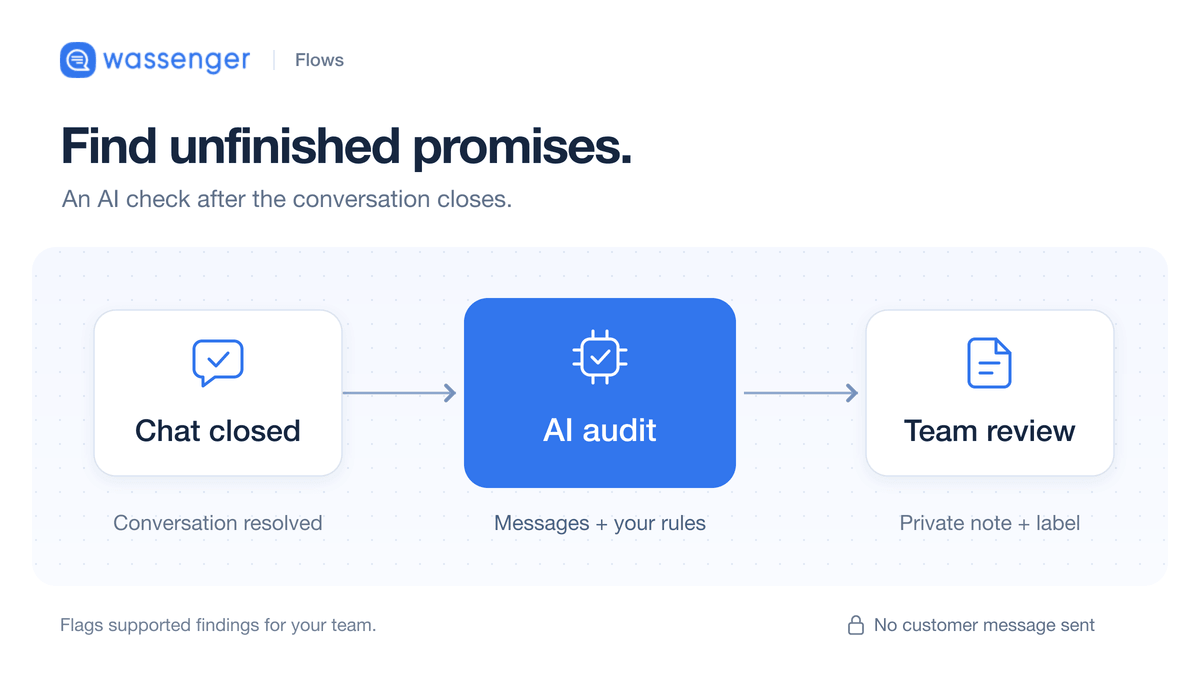
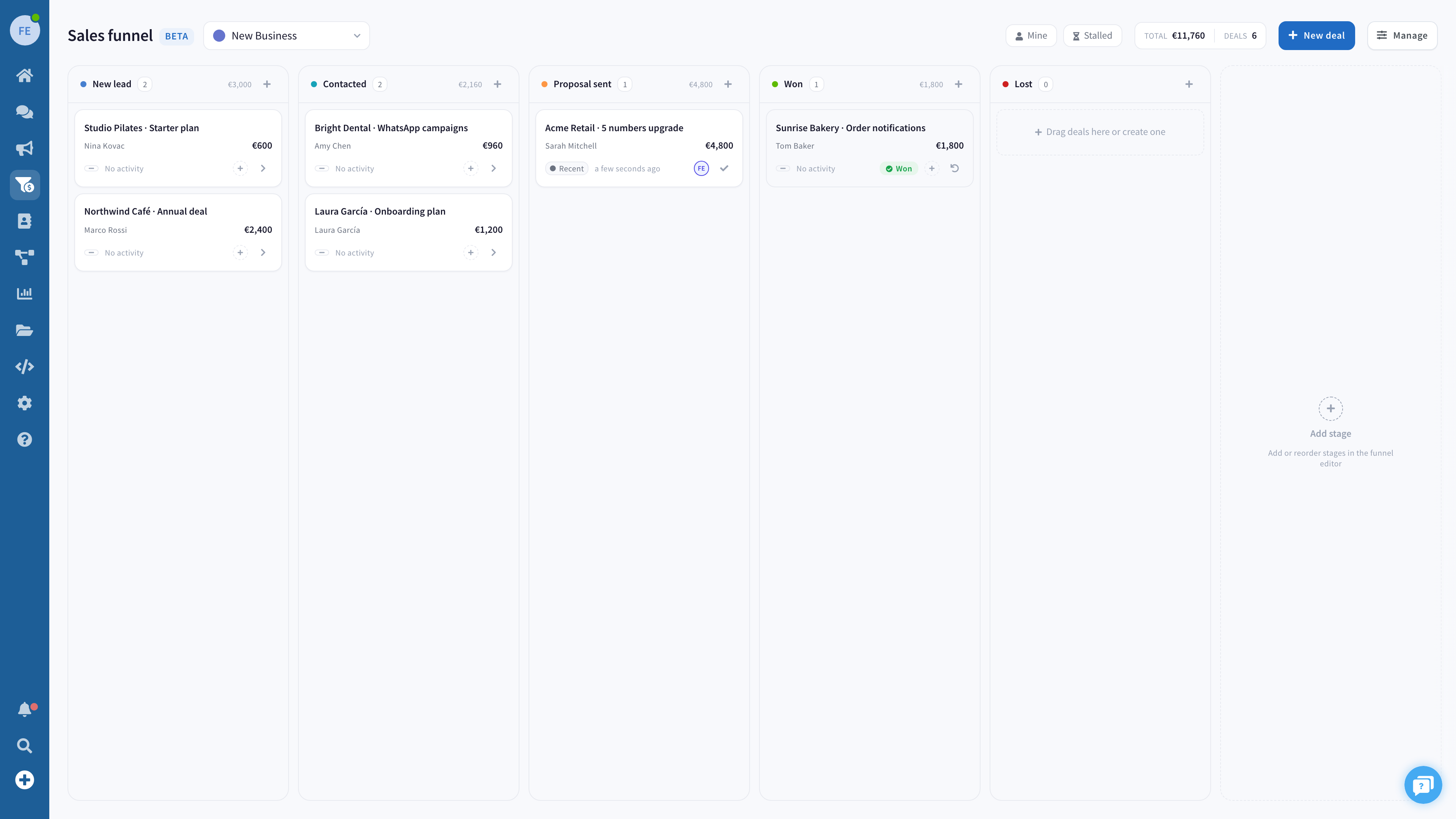
- Keeps your inbox in order. It labels new chats, adds a short private note for your team (customers never see it) on what each one needs, and hands it to the right person on your team.
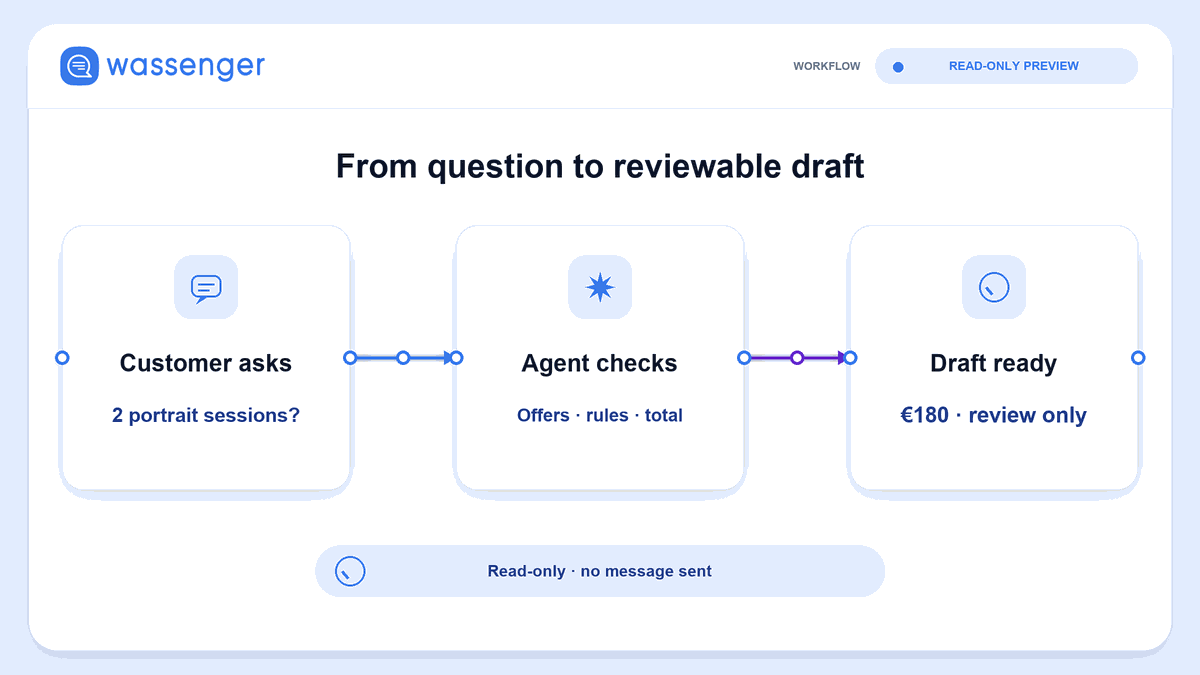
- Finds the customers who are still waiting. It lists them, longest wait first, and writes a reply draft for each from the conversation and your business details.
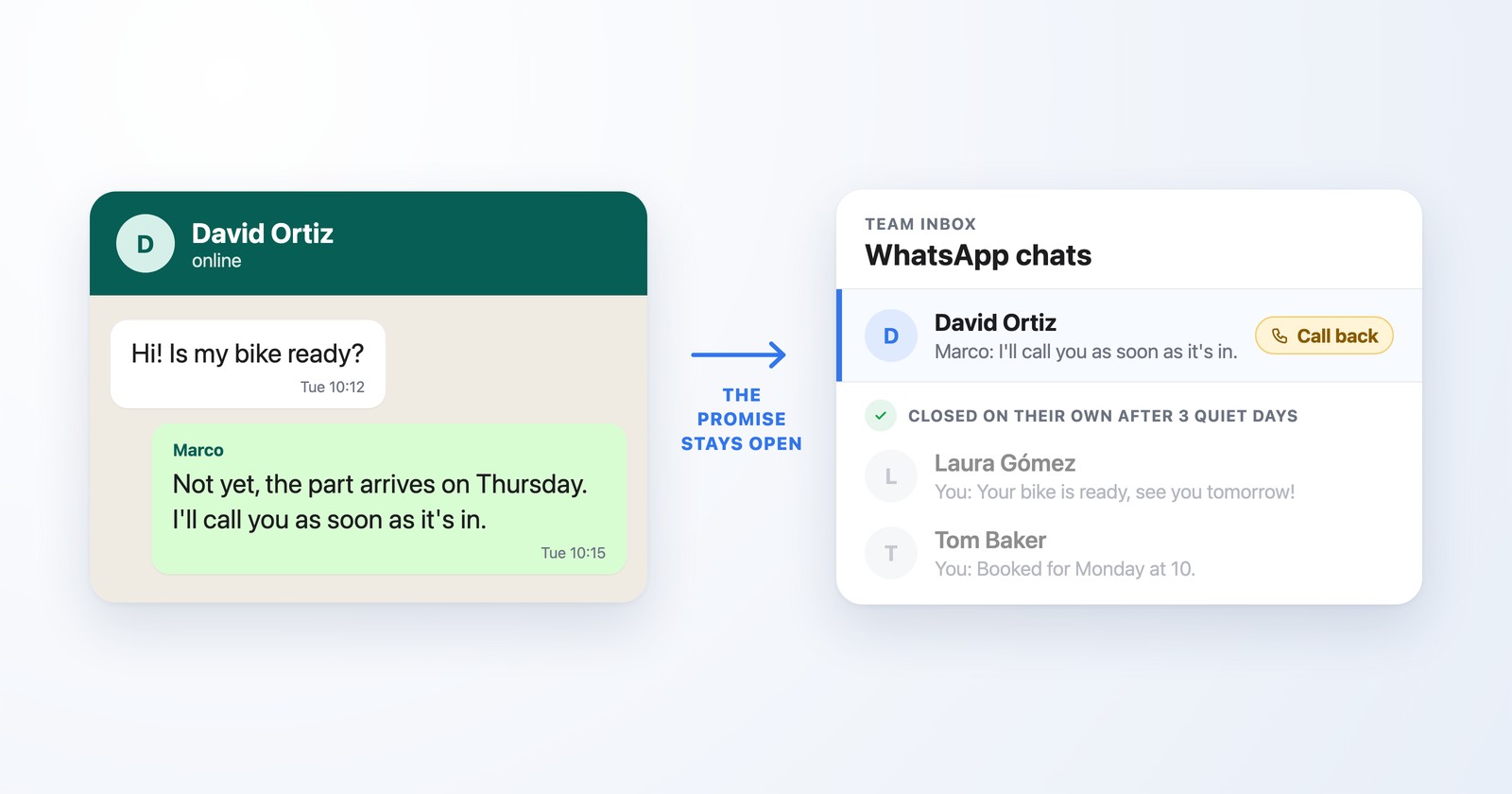
- Wins back people who went quiet. Someone asked for a price on Thursday and never replied? It drafts a short, friendly follow-up, and leaves out anyone who asked you to stop writing.
- Cuts no-shows. It spots tomorrow's appointments in your chats and prepares a reminder for each. You see who gets it, when and what it says before anything is scheduled.
- Tells you how the week went. A summary of the main questions, the chats still waiting, the people most likely to buy and what to do next, built from your real data.
It suits any business that sells, books or helps customers over WhatsApp: shops, clinics, salons, restaurants, agencies, schools and service teams.
It keeps working while you're busy
The bot comes with four routines. A routine is a job the bot does on its own at the time you choose:
| Routine | What it prepares for you |
|---|---|
| Morning brief | What came in, what's urgent and who's waiting |
| Waiting customers | Reply drafts for customers still waiting for an answer |
| Evening follow-ups | Follow-ups for people who went quiet and reminders for the dates mentioned in chats |
| Weekly report | Chats, reply times and the main topics of the week |
They all arrive paused. You turn on the ones you want, at the times you want, in your timezone. The bot works on Grok Bot's own servers, so a routine runs even when your computer is off. And routines only prepare: they never send a message to a customer on their own. What the weekly report can show depends on your Wassenger plan.
Nothing goes out without your yes
This is the rule the whole bot is built around.
- Every message to a customer waits for your approval. The bot shows you the exact text and who gets it, and sends it only when you say yes.
- You decide how much it does on its own. In setup you choose whether it labels, notes and assigns chats by itself or asks you first. Your customers never see those changes.
- It respects anyone who opted out. People who asked you to stop writing are left out of follow-up lists.
- You can switch it off at any time. Pause the routines in Grok Bot, or delete its key in Wassenger and it can't reach your account anymore.
- Where your chats go. What the bot reads goes into your own Grok Bot account, under Grok Bot's data terms, which are on the Grok Bot site. Delete the key and it can't read anything new.
Set it up
You need three things: the Grok Bot app on your computer (Mac or Windows), a paid plan that includes Grok Bot, and a Wassenger account with your WhatsApp number connected. That plan is billed separately from Wassenger: you'll find the download and the plans on the Grok Bot site.
In step 2 you'll land on Grok Bot's website, which is in English. It shows Grok Bot's usual note for bots made by other companies, like ours. That's normal: just click Add to Grok Bot.
- Create your Wassenger account and connect your WhatsApp number. Your customers keep writing to the same number. When you sign up, Wassenger guides you through connecting it.
- Open the Wassenger template for Grok Bot, the ready-made bot, and click Add to Grok Bot. That opens the Grok Bot app, where you confirm with Add Bot.
- Open the new Wassenger bot. Setup starts on its own. If it doesn't, type Start.
- In Wassenger, open Developers → API keys and create a key for Grok Bot. Don't worry about the name: you won't write any code. The key is a code that lets the bot into your Wassenger account. It isn't your login password, and deleting it switches the bot off at any time. Make it only for Grok Bot, because the AI can see it and may keep it in your chat with the bot. When the bot asks for it, paste it in and approve the connection.
- Pick your WhatsApp number and answer the bot's questions: your business, language and tone, opening hours, timezone, team, and how much it may do without asking.
- Ask for a preview of your inbox. Check the labels, notes and assignments it suggests, then tell it to apply them.
- Turn on the routines you want.
Only the account owner or an admin can create the key. If that's not you, ask them for a key made just for Grok Bot.
Three things to ask it on day one
Copy one of these into your chat with the bot:
Who is still waiting for an answer? Draft a reply for each one and show me the drafts before sending.
Find people who asked about a price or a booking in the last week and went quiet. Leave out anyone who asked us to stop, and draft a short follow-up for each.
Check tomorrow's appointments in my chats and prepare a reminder for each. Show me the times and the text before scheduling anything.
The Grok Bot page walks you through the setup and answers the most common questions.
Questions business owners ask
What does it cost? Two plans: your Wassenger plan as usual, and a paid plan that includes Grok Bot, billed separately (the current plans are on the Grok Bot site). The Wassenger template itself is free.
Will it answer my customers by itself? No. It writes drafts for you. A message goes out only after you approve it in your chat with the bot.
Who approves the drafts? Whoever uses the bot in Grok Bot, usually the owner or a manager. The rest of your team doesn't need Grok Bot: they keep answering from Wassenger.
Do I need to keep my computer on? No. You set it up from your computer. After that the bot works on Grok Bot's servers, and you can chat with it and approve drafts from the Grok Bot app on your phone.
Can my team still use Wassenger as usual? Yes. The bot works on the same inbox your team already uses. The labels, notes and assignments it adds show up for everyone in Wassenger.
How do I stop it? Pause its routines in Grok Bot. To cut its access completely, delete its key in Developers → API keys. Messages you already approved and scheduled stay scheduled, so check them in Wassenger.
Put your WhatsApp inbox in good hands
Your customers get faster answers, nobody who was interested slips through the cracks, and you start every day knowing exactly what needs you.
Create your Wassenger account, connect your WhatsApp number, and add Wassenger to Grok Bot. More on the Grok Bot integration page.